A few weeks ago I felt like replaying Tombi! (Tomba! outside Europe), an old game I used to play on a PlayStation as a kid. At some point I reached the objective where you have to use the Blue Powder on a red mushroom, which turns it blue, and then kill the blue mushroom together with a regular red one to get a new mushroom that gives you more power. I was sure the powder was an infinite item, so I used it without a second thought. I tried the trick, but I missed hitting the red mushroom. I moved on to something else and kept making saves as I progressed, without realizing the powder was gone.

When I later went back to the mushroom and the powder was not there, I understood it was not infinite after all.
I checked my recent saves, but none went back far enough. I keep two saves for this game, and I had already overwritten both. Reloading was not an option.
So I did the only thing left: I exported the memory card save from DuckStation on my Linux box and pointed opencode, with the latest DeepSeek 4.1, at the .mcs file.
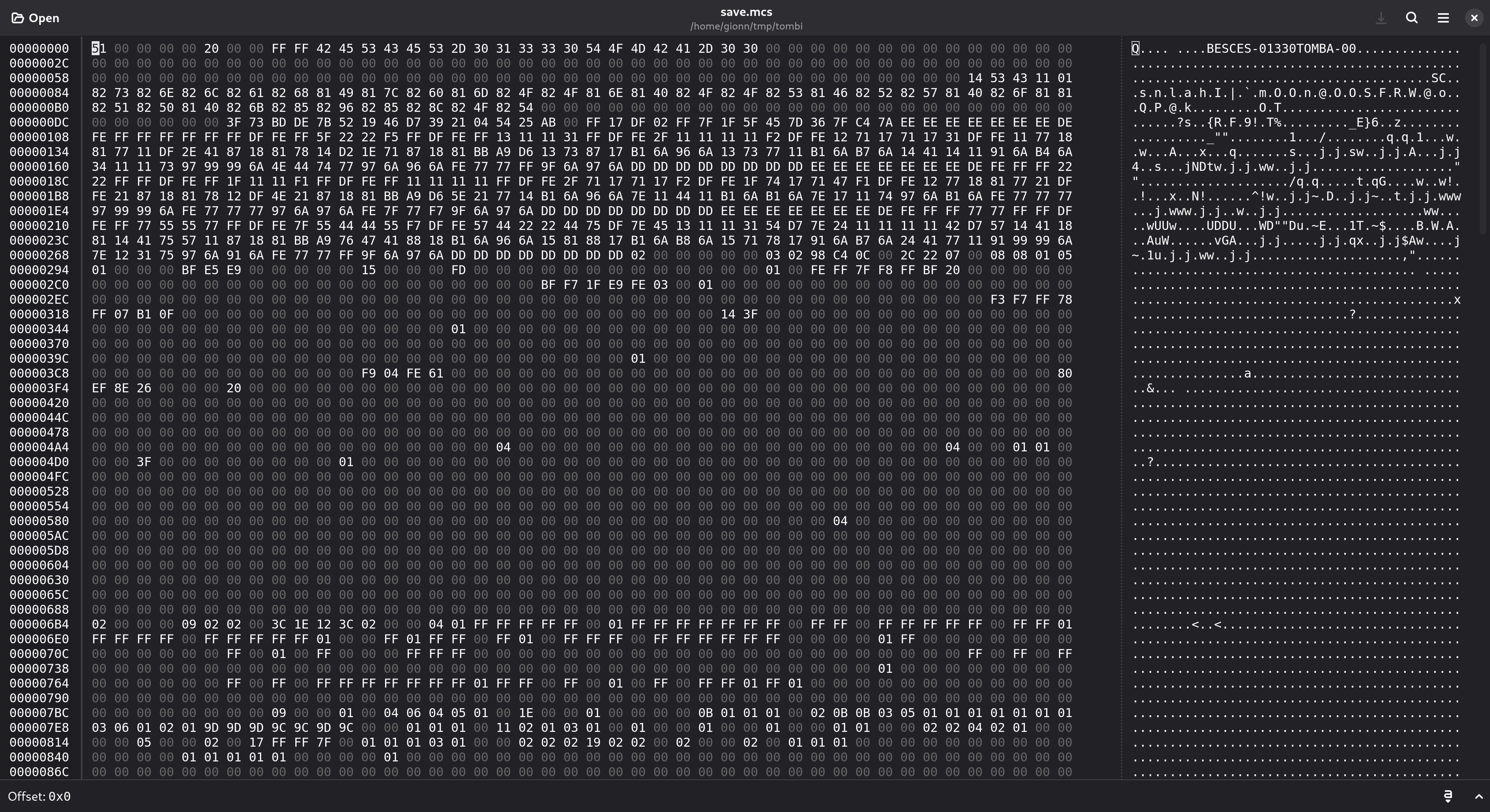
I had no idea what I was looking at. The file is 8320 bytes, most of it looked like FF padding, and nothing obviously said “inventory”.
What is inside the file
The file is a .mcs export, which is a single save pulled out of a memory card. The layout is:
0x0000to0x007F: the directory entry, with the product code and a checksum.0x0080to0x027F: the save header. It starts withSC, then the title and the icon.0x0280to0x0C7F: the actual game data, followed by a checksum byte.0x0C80to the end: unusedFFpadding.
The game data is the interesting part. It is a raw copy of the game’s main state struct, so the fields sit at fixed offsets.
Finding the inventory
The model searched for the game’s data structures and found a decompilation project on GitHub. I had no idea Tombi! had one, and I was genuinely surprised it was there. That was the luckiest thing that could have happened, because with the source available I did not have to reverse engineer the save by myself. I could read the actual struct layout and look up the item ids, which made it much simpler to work out which item to change.
Tombi!’s decompilation project is hansbonini/psx_tomba, and it has the item list and the inventory logic. The relevant struct in include/game.h looks like this:
struct inventory {
    u_char slots[256];
    u_short counter;
    u_short sortMode;
};
An item id lives once in slots[], in the order the game shows it. The quantity lives in a separate item[256] array indexed by the id. counter is how many slots are in use.
With the struct fields known, the offsets fall out. The game data starts at 0x280, so:
| Field | File offset |
|---|---|
item[256] | 0x09C4 |
inventory.slots[256] | 0x0AC4 |
inventory.counter | 0x0BC4 |
inventory.sortMode | 0x0BC6 |
I checked this against the save: counter read 33, and there were exactly 33 item ids in slots[]. Silver Powder (0x66) was there. Blue Powder (0x75) was not, which matched what I could see when playing the game.
The first attempt failed
The model appended 0x75 to the next free slot, set item[0x75] to 1, and bumped counter to 34. The emulator refused to load the save. I panicked a bit: had I reimported the .mcs file properly? DuckStation makes that easy to verify, so I asked the model again: “is there a checksum we missed?”
Of course there is a checksum. Console games often store a small checksum next to the save data and reject anything that does not match. The model looked at the last bytes of the meaningful data and found a lone byte at 0x0C7F that did not look like part of any field.
Guessing the algorithm was probably not an easy task, so I exported a second, untouched save from the same playthrough. Comparing the two legitimate saves showed the byte at 0x0C7F changed by exactly the XOR of everything that changed in the game data. The rule turned out to be simple:
checksum[0x0C7F] = XOR of bytes 0x0280..0x0C7E
In other words, XOR over 0x0280 to 0x0C7F is zero. The directory entry has the same kind of checksum: the byte at 0x007F is the XOR of 0x0000 to 0x007E.
The working edit
With the offsets and the checksum rule in hand, the whole fix is a few lines of Python: append the powder to the next free slot, set its quantity to 1, bump counter and recompute the checksum.
data = bytearray(open('save.mcs', 'rb').read())

BASE = 0x280
SLOTS = BASE + 0x844
COUNTER = BASE + 0x944
ITEMS = BASE + 0x744
CHECKSUM = 0x0C7F
BLUEPOWDER = 0x75

count = int.from_bytes(data[COUNTER:COUNTER + 2], 'little')
data[SLOTS + count] = BLUEPOWDER
data[ITEMS + BLUEPOWDER] = 1
data[COUNTER:COUNTER + 2] = (count + 1).to_bytes(2, 'little')

checksum = 0
for byte in data[BASE:CHECKSUM]:
    checksum ^= byte
data[CHECKSUM] = checksum

open('save.mcs', 'wb').write(data)
The game normally inserts new items at slots[0] and shifts everything down, but appending at slots[counter] works too. The game only reads up to counter, and the inventory screen sorts the display by sortMode.
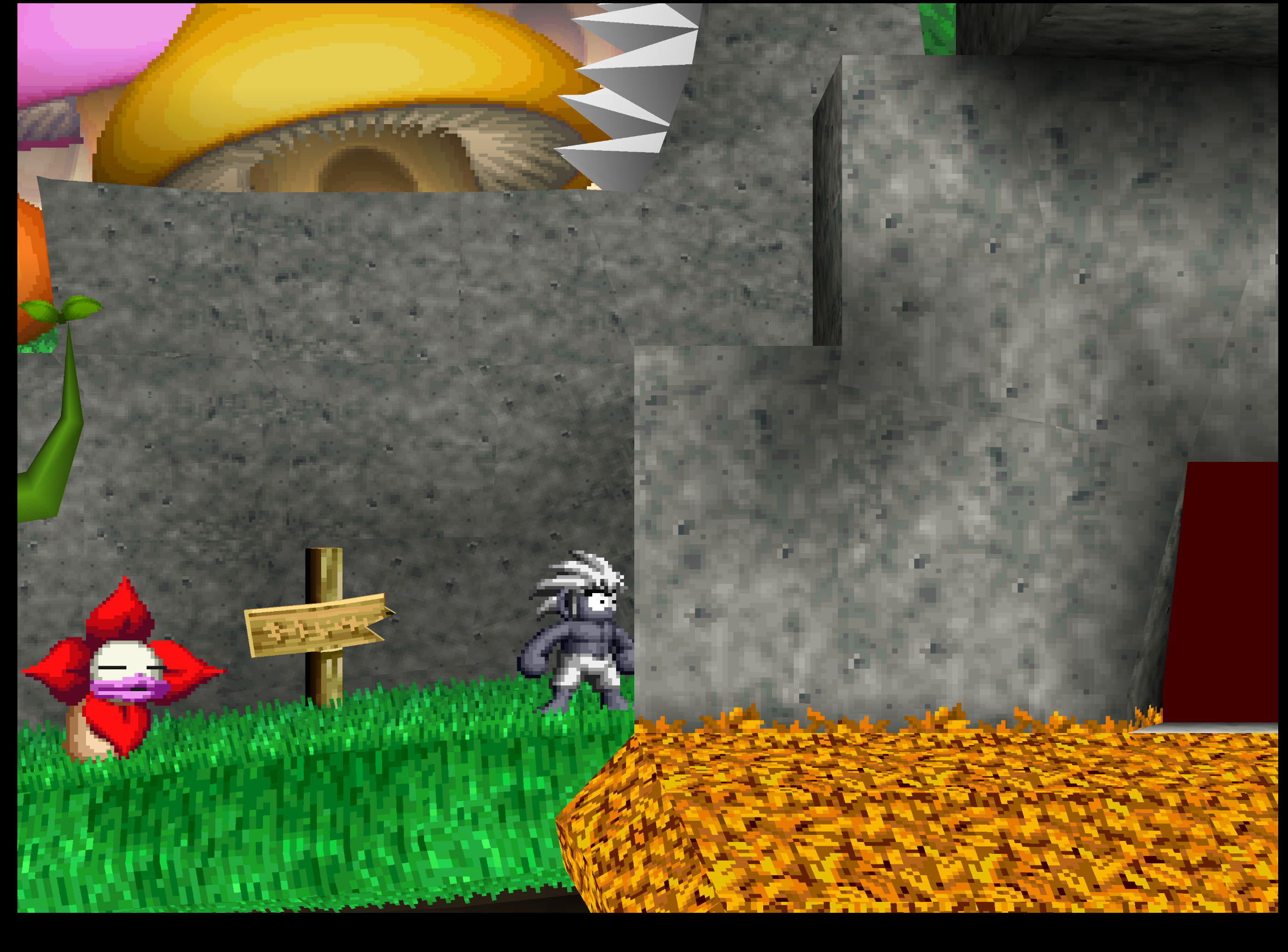
This time the save loaded and the Blue Powder was back in the bag. I used it on the red mushroom, killed the blue one together with a red one, and got the special mushroom. Eating it turned the character completely gray and gave the extra power it was supposed to.
Now, back to catching all the pigs!
🇬🇧 🇺🇸 If you found value in my content, consider supporting me by treating me to a coffee, beer, or pizza. Your contributions help fuel more quality content creation.
🇮🇹 Se hai apprezzato i miei contenuti, considera di supportarmi offrendomi un caffè, una birra o una pizza. I tuoi contributi aiutano a creare contenuti di qualità.
- Paypal
- Buy me a coffee
- BTC
- ETH
🇬🇧 🇺🇸 If you have found inaccuracies or wish to improve this article, please use the comments section below (after clicking on Load Comments).
🇮🇹 Se hai trovato imprecisioni o vuoi migliorare questo articolo, utilizza la sezione commenti qui sotto (dopo aver cliccato Load Comments)
Comments